All the Tools, None of the Subscriptions: Your Complete Twiss Creative Toolkit
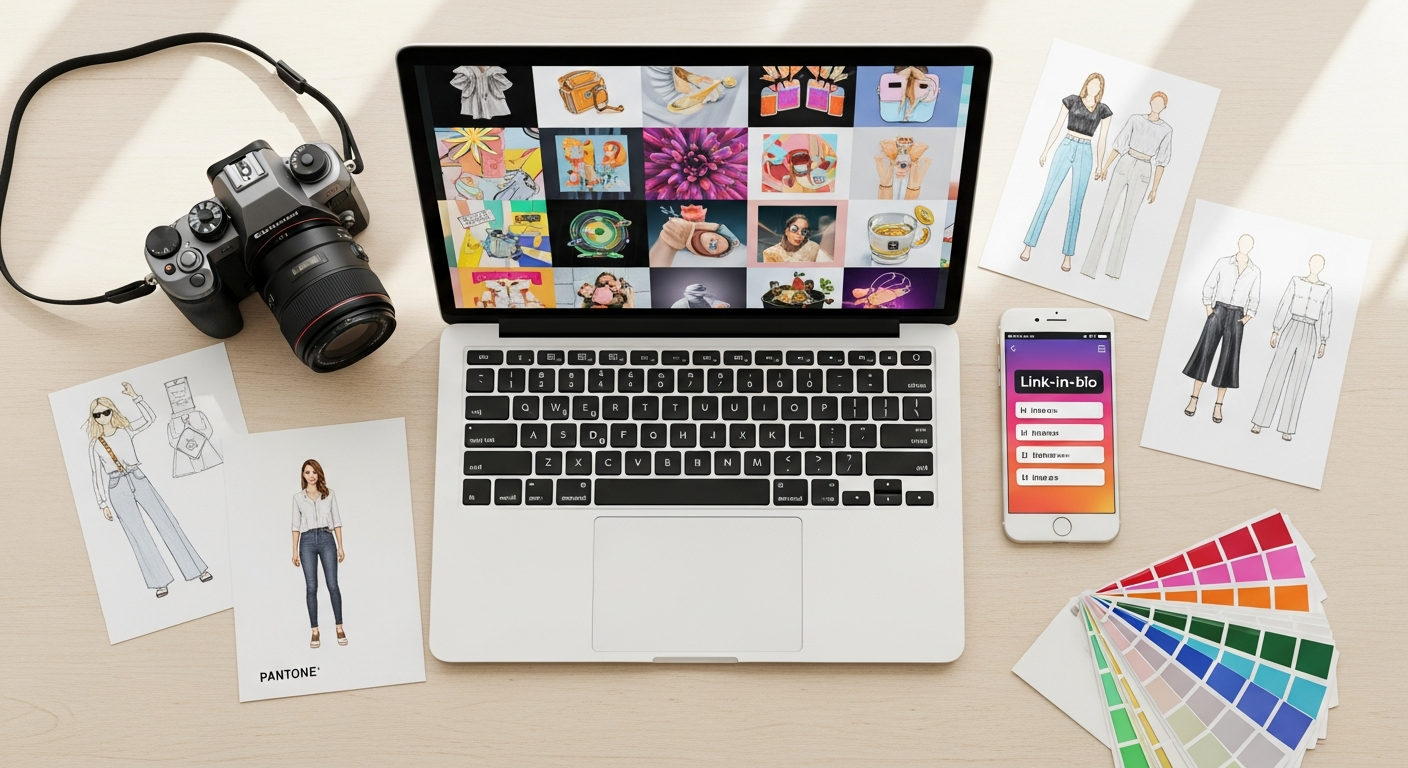
Most creative businesses are paying for tools they barely use. A subscription for video editing. Another for background removal. A third for a link-in-bio page. A fourth for print-ready catalogs. Each one charges monthly. Each one requires learning a new interface.
If you have a Twiss account, you already have all of it. Nine distinct creative tools, built into the same platform where you generate your content. Some are free. Some cost a credit or two. None require a separate subscription.
This is what each one does, and the real creative workflows they unlock.

1. Link Studio - Your Free Link-in-Bio Page
Every brand needs a link-in-bio. Linktree starts charging you as soon as you want analytics. Twiss Link Studio is free to create, free to publish, and free to track. You get a custom URL at twissapp.com/links/yourname, QR code sharing, page view analytics, and link click counts, all without spending a single credit.
Optional upgrades exist if you want them: an AI-written bio (1 credit), a featured link highlight with a gold border (1 credit), a custom colour theme (1 credit per change), or a gallery block that pulls images directly from your Twiss content. Remove the 'Made with Twiss' badge for 1 credit, one time, permanently.
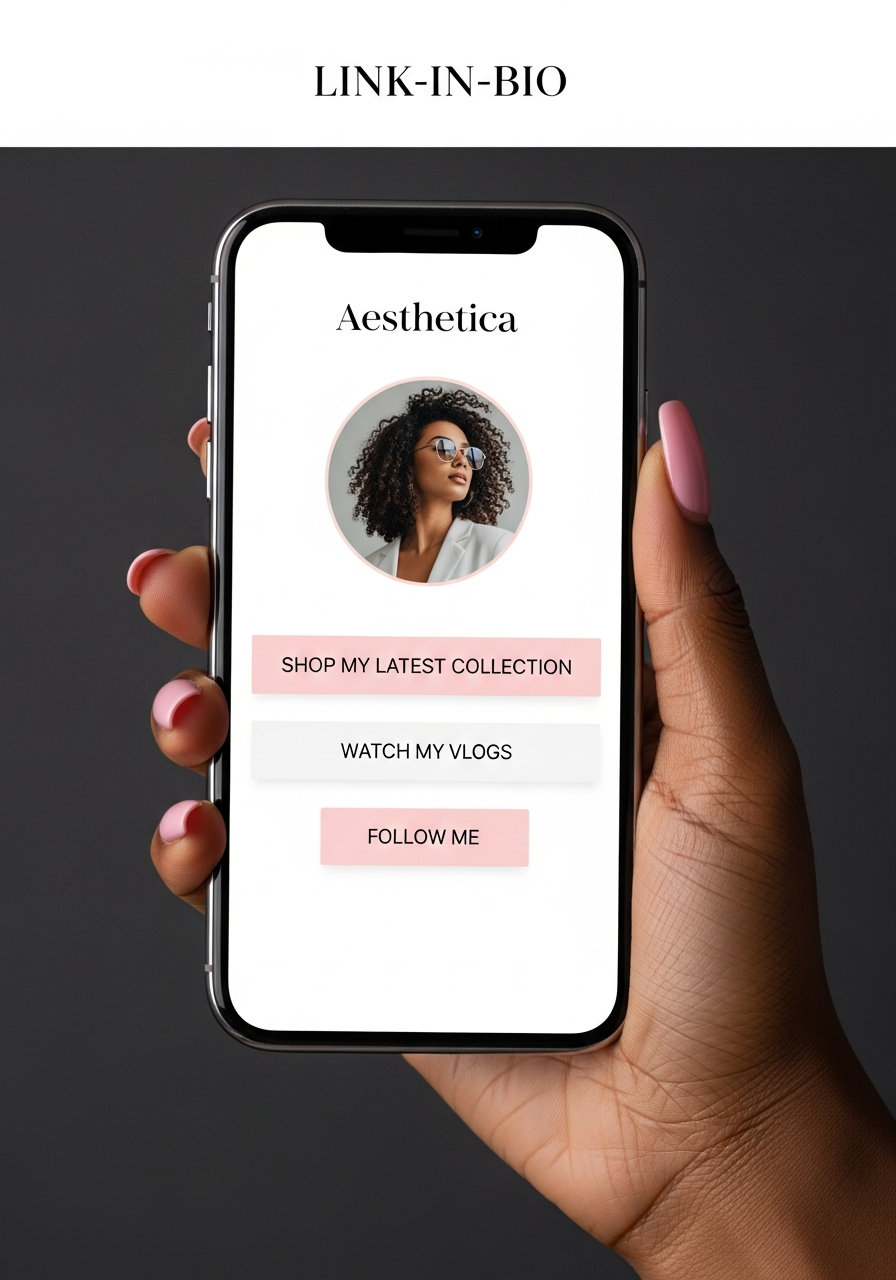
Most users never spend a credit on it at all. The free version is genuinely complete.
2. Fashion Studio - AI Fashion Concept Design
Fashion Studio is for designers, brand owners, and stylists who need to visualise concepts before committing to production. You configure gender, outfit category, cultural inspiration, fabric, colour, pattern, silhouette, and occasion. The AI generates two versions from a single design brief: Version A is a stylised sketch or illustration of the concept. Version B is a photorealistic production render showing the outfit on a model in a real setting.
Beyond the two images, the results page gives you a downloadable Design Brief (a formatted PDF summarising every setting you chose), a Style Card ready to share or drop into a pitch deck, AI-generated captions for whichever version you select, and a direct UGC Create shortcut that loads your design into the content studio for lifestyle generation. For 2 credits you get the sketch, the render, and the full brief package.
Fashion Studio supports 17 cultural inspirations including Nigerian, West African, Afro Modern, Japanese, Indian, Caribbean, Middle Eastern, and Mixed Culture. The fabrics library includes Ankara, Kente, Adire, Aso Oke, silk, linen, and denim.
3. Merch Studio - Put Your Image on Products
Generated a strong image in Twiss? Merch Studio lets you place it onto physical products: t-shirts, hoodies, tote bags, mugs, phone cases, and more. Upload your image, choose a product, and the AI generates a realistic mockup showing how it would look in the real world.
For creators who want to sell merchandise, this is the fastest way to test designs before printing. For brand owners, it is a quick way to create product visualisations for pitches, social posts, or supplier conversations.
4. Batch Content Engine - 30 Images From One Photo
The Batch Engine is one of the most time-saving tools on the platform. Upload a single product photo, choose your settings, and generate between 5 and 30 unique images in one session. Each image gets a different model, background, pose, and style, all without you configuring them individually.
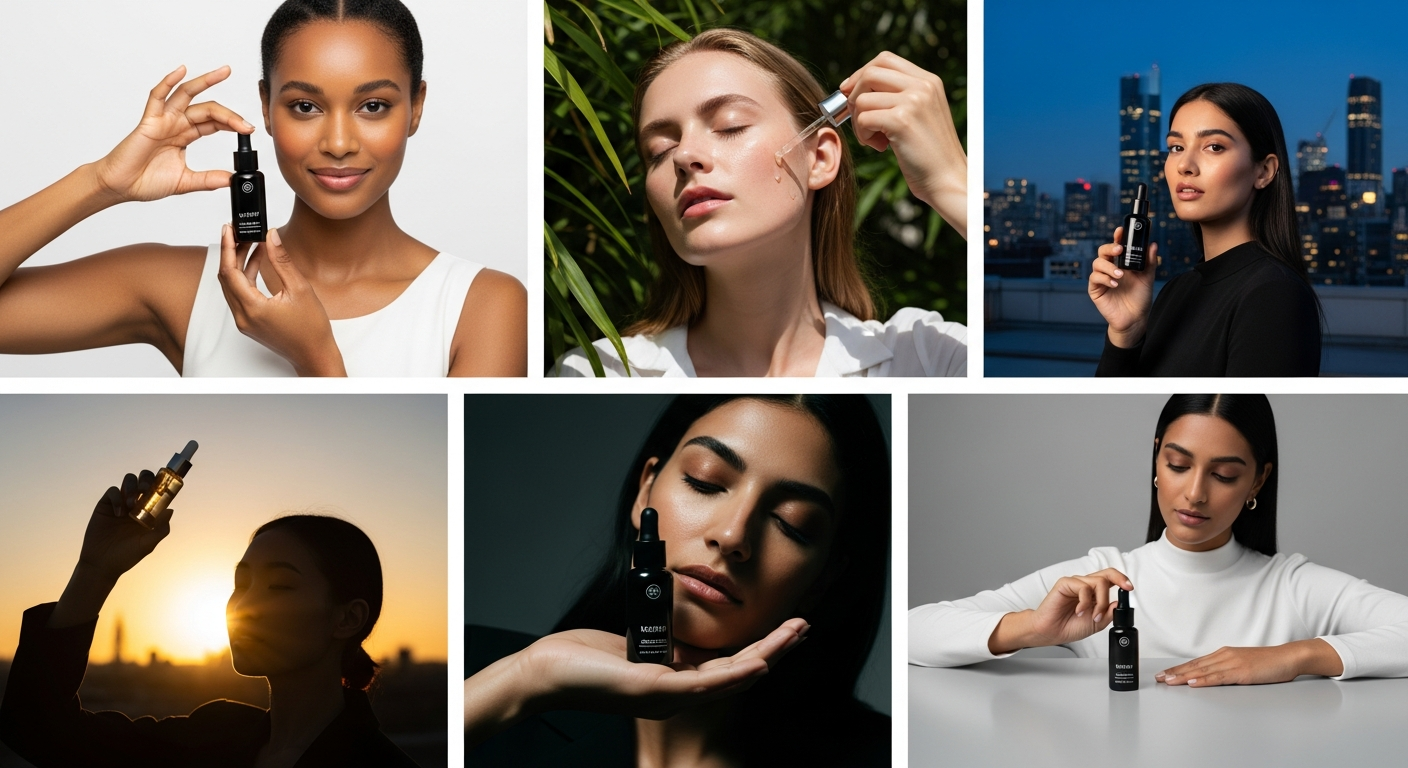
A skincare brand can generate images with Black, Asian, Latina, and South Asian models in natural light, bathroom, and outdoor settings, all from one product shot, in the time it takes to make a coffee. For social media managers building a content bank, this is the feature that changes the maths on content production entirely.
5. Smart Resize - Every Format From One Image
You generate an image for Instagram. But you also need it for TikTok (9:16), Pinterest (2:3), Facebook (4:5), and a banner (16:9). Smart Resize takes one image and produces all the formats you need, with intelligent cropping that keeps your subject centered.
You can also use Smart Resize to extend a background, reframe a close-up for a wider format, or create a square crop from a portrait image without losing the product. No manual cropping. No quality loss.
6. Smart Video Builder - Promo Videos Without Editing Software
The Video Builder turns your generated images into a promo video with motion, transitions, and text overlays. You select the images, set the music or narration tone, and the AI assembles a multi-scene MP4 with Ken Burns zoom effects and smooth fades between shots.
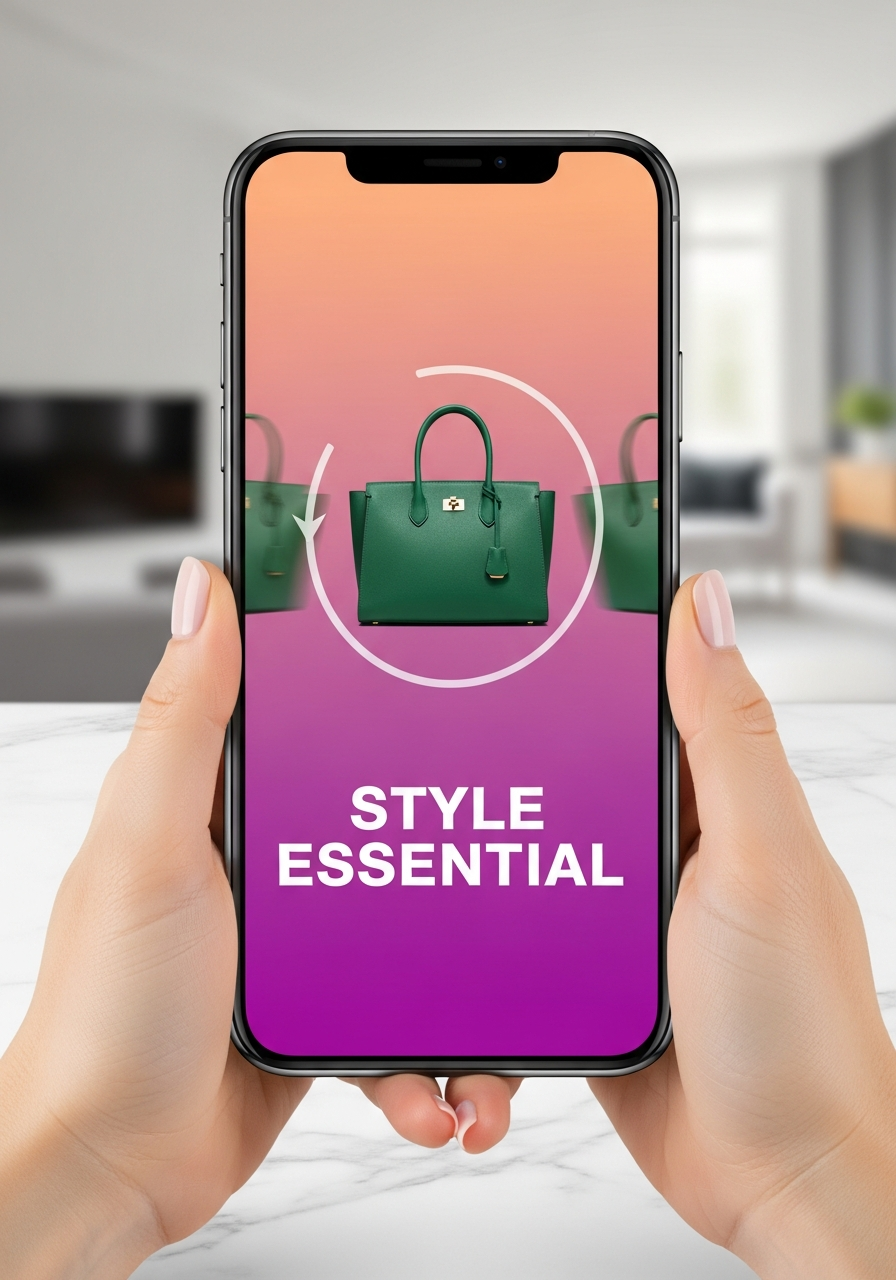
The output is ready to post to TikTok, Instagram Reels, or YouTube Shorts. For brands who want video content but do not have an editor, this closes the gap between still images and moving content with no learning curve.
7. Captions - Five Styles in One Click
Every generated image comes with a Captions button. Tap it and the AI writes five distinct caption styles for that specific image: short and punchy, storytelling, call-to-action, informative, and trending. Each one is written for the content in the image, not as a generic template.
Copy the one that fits your post, paste it directly, done. For creators posting daily, this removes the blank-page problem for every piece of content they generate.
8. Animate - Add Motion to Any Still Image
Any image in your gallery can be sent to the Canva Animate feature via the Canva integration. Open an image, tap the Canva button, choose animate, and Canva generates a short animated version of the still: subtle motion, parallax effects, or more dramatic movement depending on the style you choose.
The result comes back to your Twiss gallery. It is a low-effort way to create content that moves for Reels and Stories without shooting video.
9. Photo Refinement - Fix, Enhance, and Transform
Photo Refinement takes an existing image and improves specific elements while preserving the core structure. You can brighten the lighting, enhance skin texture, clean up the background, sharpen product details, or change the mood of a scene without regenerating the image from scratch.
It is useful when a generated image is almost right but not quite. Instead of using another credit for a full regeneration, refinement makes targeted improvements. The refinement level is adjustable: subtle for minor tweaks, strong for significant changes.
Four Days in the Life
Here is what using the full toolkit looks like for real people building real businesses with Twiss.
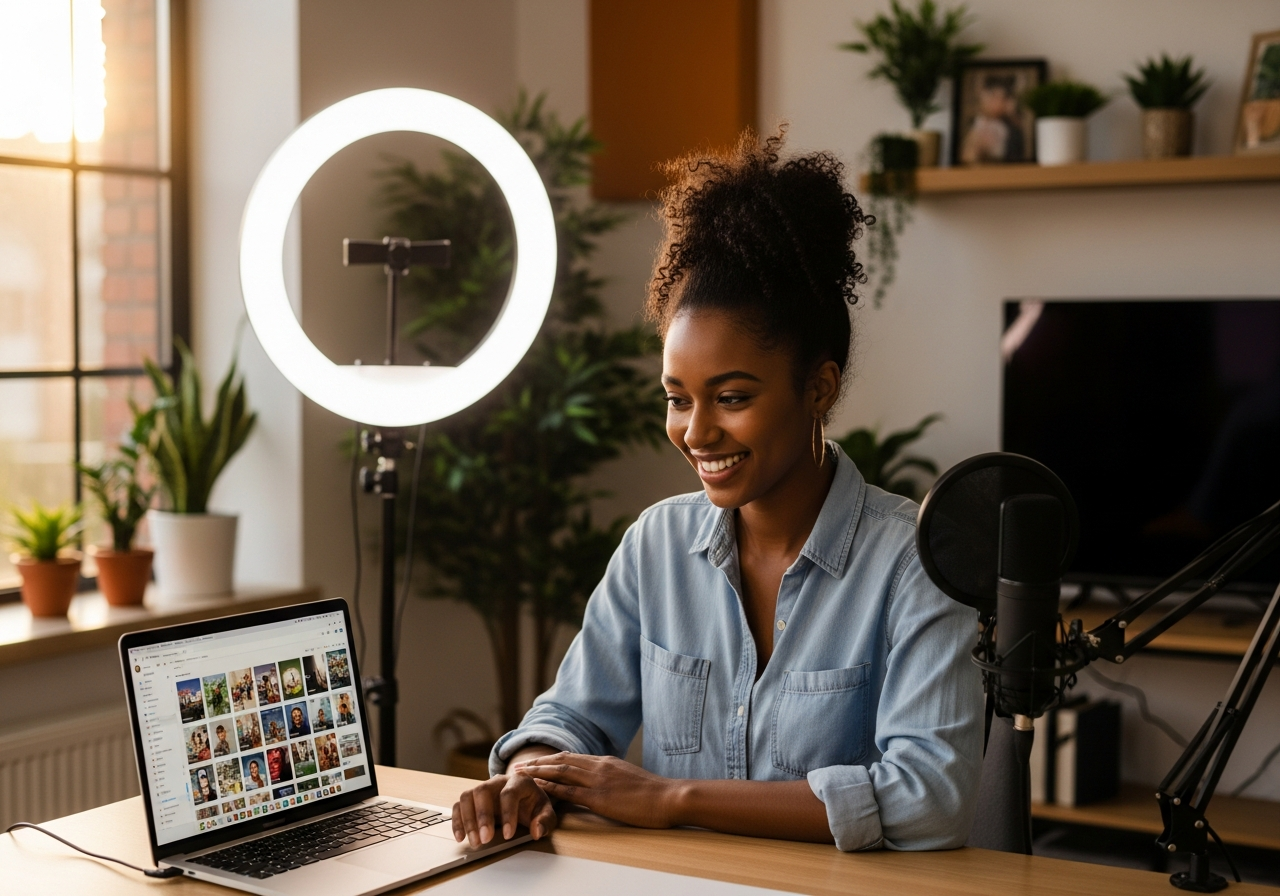
Zara, Fashion Brand Founder
Zara runs a ready-to-wear brand and used to spend 80,000 naira per shoot. She now uses Fashion Studio to visualise collections before production. She generates commercial and editorial versions of each design, uses the Batch Engine to produce 20 lifestyle images from her sample shots, runs Smart Resize to produce them in every format, and builds a Print Studio catalog to send to stockists. Her Link Studio page links to the catalog, the shop, and her latest Instagram post. She has not hired a photographer in four months.
Emeka, FMCG Seller
Emeka sells energy drinks and bottled water at scale. He needs a constant supply of hero shots, lifestyle images, and seasonal campaign visuals. Every Monday, he uploads his product photos to the Batch Engine, generates 30 images in different settings with different models, downloads the batch, and schedules the week. The Video Builder takes his best images and assembles a 30-second promo he posts on Tuesday. Captions writes the copy for every post. By Tuesday afternoon his content calendar is full for seven days.
Chiamaka, Beauty Content Creator
Chiamaka creates content for beauty brands as a freelancer. She uses Twiss to generate client deliverables faster. When a skincare brand briefs her on a launch campaign, she generates 15 lifestyle images via the Batch Engine, uses Photo Refinement to adjust lighting and skin tones to match the brand's aesthetic, sends the hero shot to Canva Animate to create a Reels version, and delivers the full pack in a single day. Her Link Studio page lists all her active client work and drives enquiries.
David, Print and Merchandise Seller
David makes custom merchandise for events, sports clubs, and businesses. He uses Twiss to create product mockups for proposals. When a client asks for 50 custom hoodies, he generates a Merch Studio mockup in the client's colour and adds the logo, sends the mockup in the proposal, and the client approves without asking for samples. He uses Print Studio to build a product catalog with prices and variations, sends the PDF link via his Link Studio page, and closes jobs faster because clients can see the end result before they commit.
Your Account Has All of This
Every tool described here is available from the main menu right now. You do not need to upgrade, subscribe, or unlock a tier. Link Studio is free. Captions are free. Photo Refinement uses a credit. The Batch Engine uses credits per image. Fashion Studio uses 2 credits per generation. Smart Resize uses a credit. Video Builder uses credits.
The tools are built to work together. Generate in the Batch Engine, resize with Smart Resize, build a video with the Video Builder, caption with Captions, animate a hero shot, and send traffic to your Link Studio page. That is a full content pipeline inside one platform.
Go to the Create page and tap All Tools to see everything available to you.