Introducing Fashion Studio: Design Fashion Concepts Inspired by Cultures From Around the World
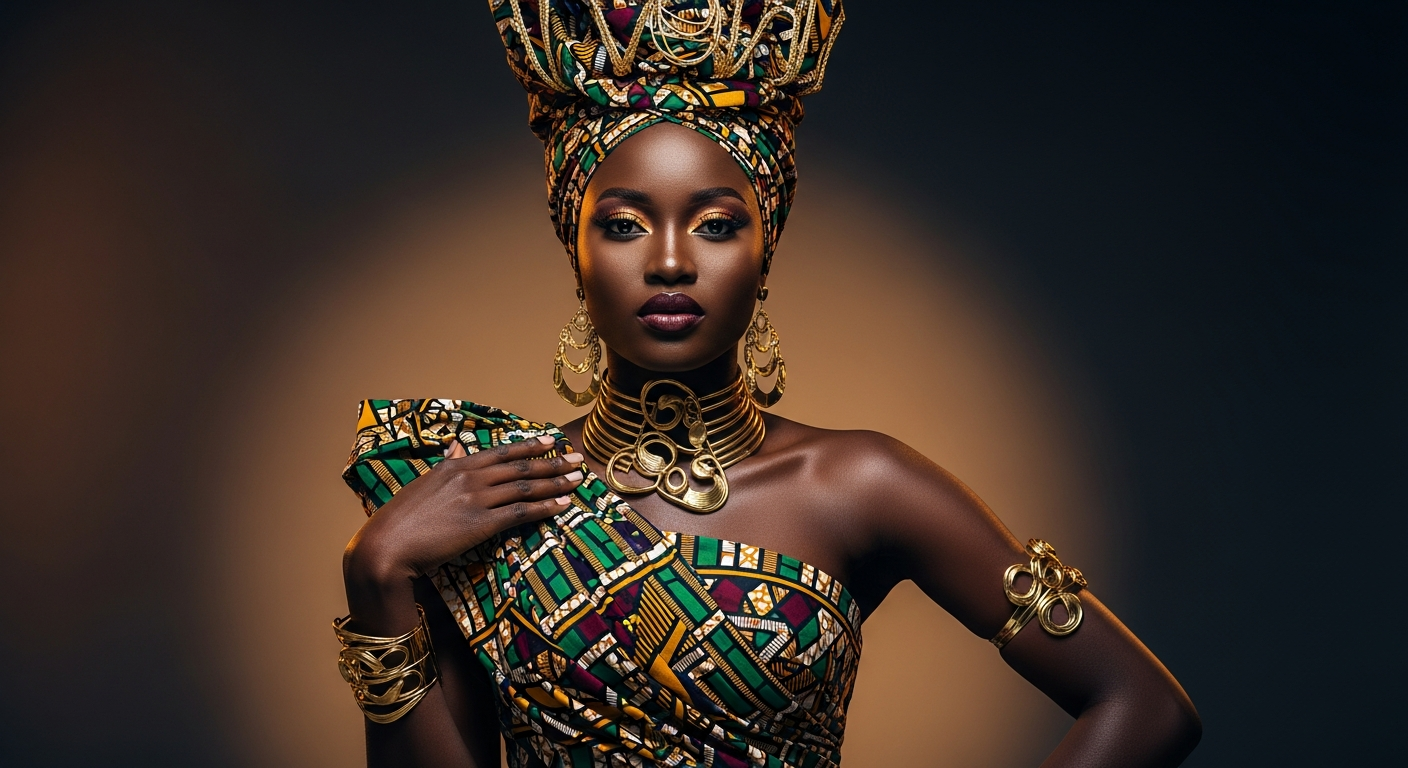
Fashion Studio is a tool in Twiss that lets you design fashion concepts inspired by cultures from around the world. You configure gender, outfit category, cultural inspiration, fabric, colour, pattern, sleeve, neckline, fit, hem, accessories, and occasion - then the AI generates two distinct versions of your concept from a single design brief.
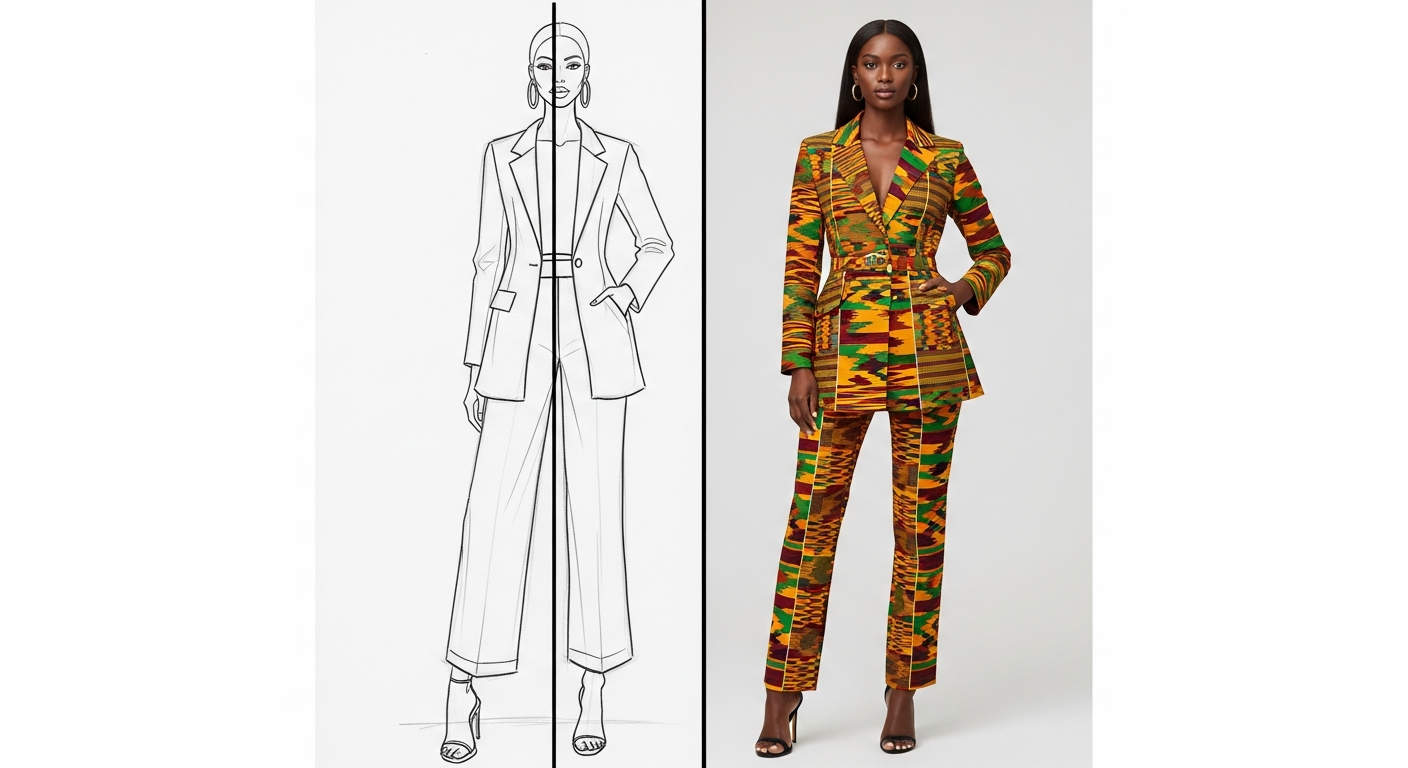
Version A is the sketch - a stylised, hand-drawn illustration of your design. It is the kind of image you would use to show a concept to a manufacturer, a client, or a collaborator before production begins. Version B is the production render - a photorealistic image showing the outfit as it would look in a campaign shoot, on a model, in a real setting.
Both versions come from the same brief, so the design language is consistent. The difference is the format: one is an artistic concept drawing, the other is a finished photographic output. For 2 credits you get both.

How It Works
Fashion Studio is organised into clear sections. Start with the Design Basics: pick gender (female, male, or unisex) and outfit category (two piece set, dress, kaftan, agbada, blazer set, streetwear, luxury wear, and more).
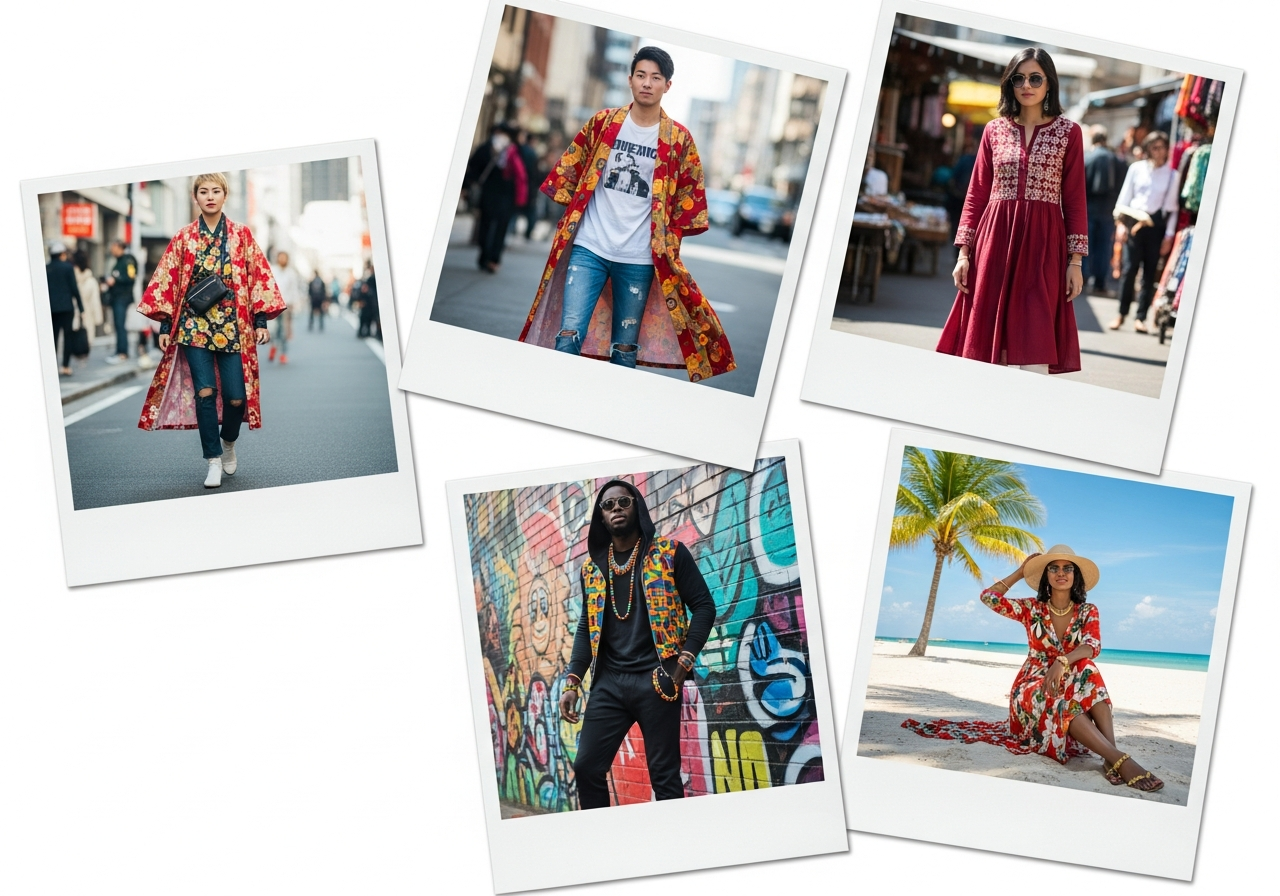
Next, choose your Cultural Inspiration. There are 17 options including Nigerian, Afro Modern, West African, Middle Eastern, Japanese, Indian, Caribbean, European, and Mixed Culture. If you select Mixed Culture, you can blend influences from multiple cultures into a single design.
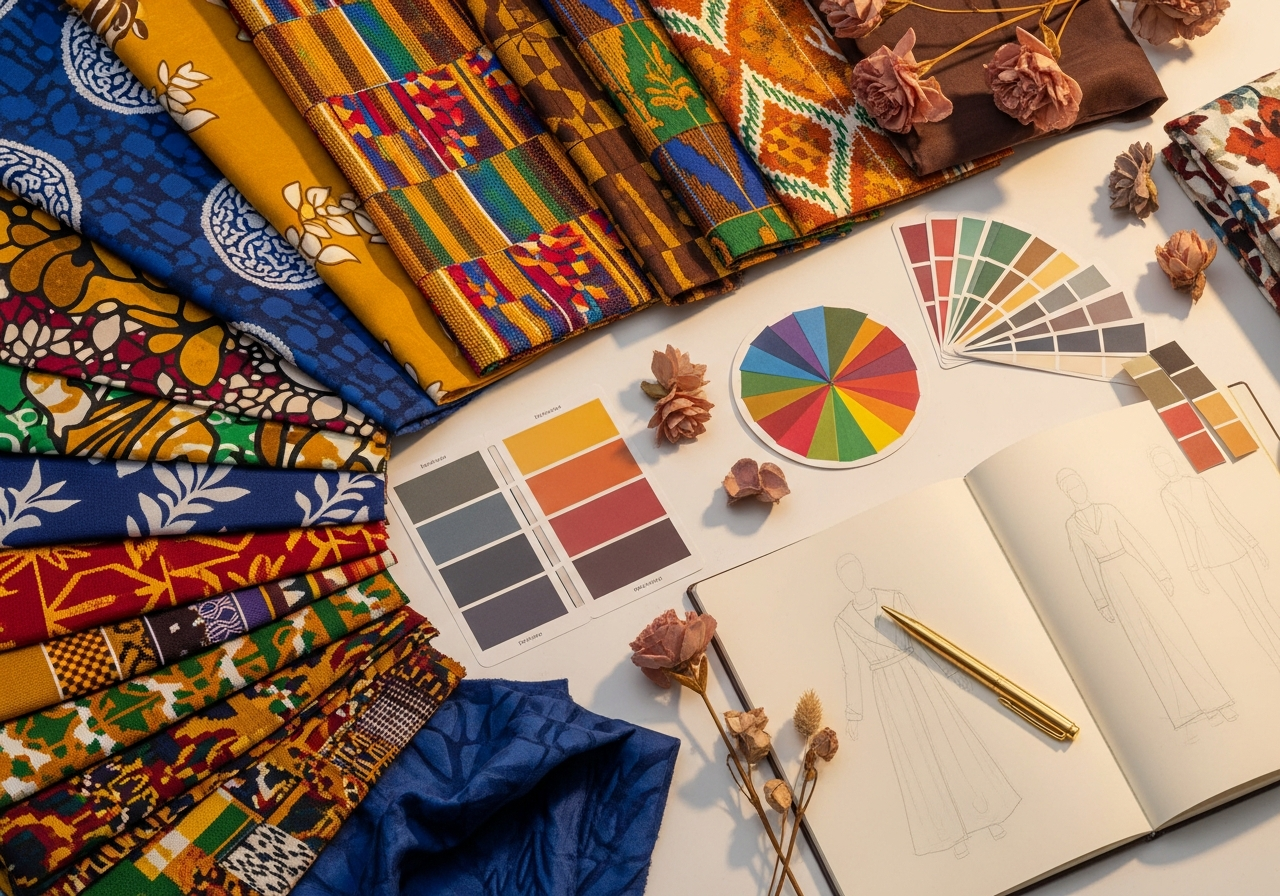
Then, pick your Fabric and Colour. African fabrics like Ankara, Kente, Adire, and Aso Oke are available alongside general fabrics like silk, cotton, linen, and denim. Choose a single colour, dual palette, multi palette, or write a custom colour description.
Design Details cover pattern, sleeve type, neckline, fit style, and hem. Accessories let you add handbags, jewellery, head wraps, belts, or shoes. Finally, choose the occasion and output style: fashion concept render, realistic fashion photography, studio editorial, e-commerce photo, UGC lifestyle, or catalogue layout.
What You Get After Generating
Fashion Studio results give you more than two images. Every generation includes a full set of post-production tools on the results page.
The Design Brief is a downloadable document that summarises every setting you chose - the cultural inspiration, fabric, silhouette, colour, and occasion - formatted like a real production brief you could hand to a manufacturer or sample maker. You can download it as a PDF.
The Style Card is a shareable image that presents your design in a polished, magazine-style layout. It is ready to post as-is or use inside a pitch deck or lookbook.
Captions are generated for whichever version you select - sketch or render. The AI writes five distinct caption styles suited to the content: short and punchy, storytelling, call-to-action, informative, and trending. Copy and paste directly into your post.
The UGC Create shortcut loads the selected image directly into the Twiss content studio, where you can use it as the basis for a full UGC content generation - placing the design on a model in a real setting, a lifestyle environment, or a product context.
The Sketch vs The Render
The sketch and the production render serve different purposes, and both are useful at different stages of a creative project.
The sketch is for the concept stage. It communicates design intent in a way that feels intentional and artistic. It is easier for collaborators to interpret as a work in progress, and it often has more character than a finished image. Designers and brand owners use the sketch to get feedback before committing to a final look.
The render is for the execution stage. It shows the outfit as a finished product, in a realistic setting, on a realistic body. It is what you post, pitch, or print. For social media, the render performs like campaign photography.
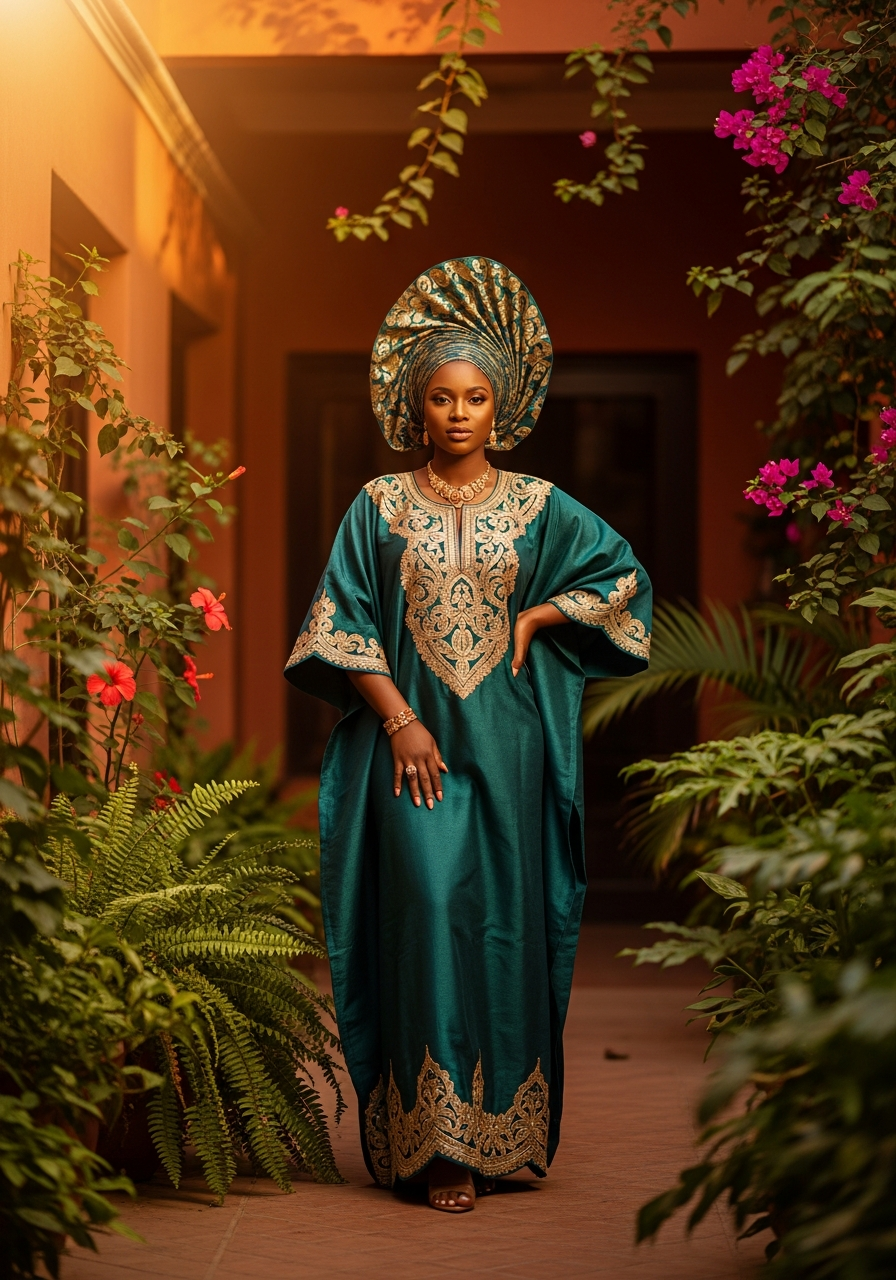
The version picker on the results page lets you choose which version flows through to every action - Canva editing, UGC creation, style card, and captions all update based on whether you have selected A or B.
For Fashion Designers
Fashion Studio gives you a fast way to visualise concepts before any physical samples exist. Test how a fabric reads on a specific silhouette, how a colour palette works across different patterns, and how cultural references translate into a finished garment. The sketch gives you your ideation output. The render gives you your presentation output. Both come from the same 10-minute configuration session.
For Brand Owners
For fashion brands, the production render is campaign-ready content you can post, pitch to stockists, or include in a digital catalogue. The design brief output works as a real specification document. The UGC path from results takes a Fashion Studio render and places it inside a lifestyle scene with a real-feeling model - turning a concept image into a social post in a single step.
For Social Media Creators
Fashion content consistently performs on social. Fashion Studio gives you two images per generation and a captions set per image. Use the sketch as the behind-the-scenes post and the render as the hero. Or A/B test both and see which performs better with your audience.
Go to Fashion Studio from the main menu and design your first concept.