One Photo. 20 Content Pieces. How Brands Are Doing a Month of Posts in One Afternoon
There is a pattern every small brand eventually hits. You have a great product, good photos, and a real audience. But keeping up with content feels like running on a treadmill that never slows down. Monday you need a lifestyle shot. Wednesday wants something more editorial. Friday the algorithm apparently rewards reels, so now you need video too.
The brands that win are not the ones who post more. They are the ones who figured out how to produce more without burning out.
What the Batch Content Engine Actually Does
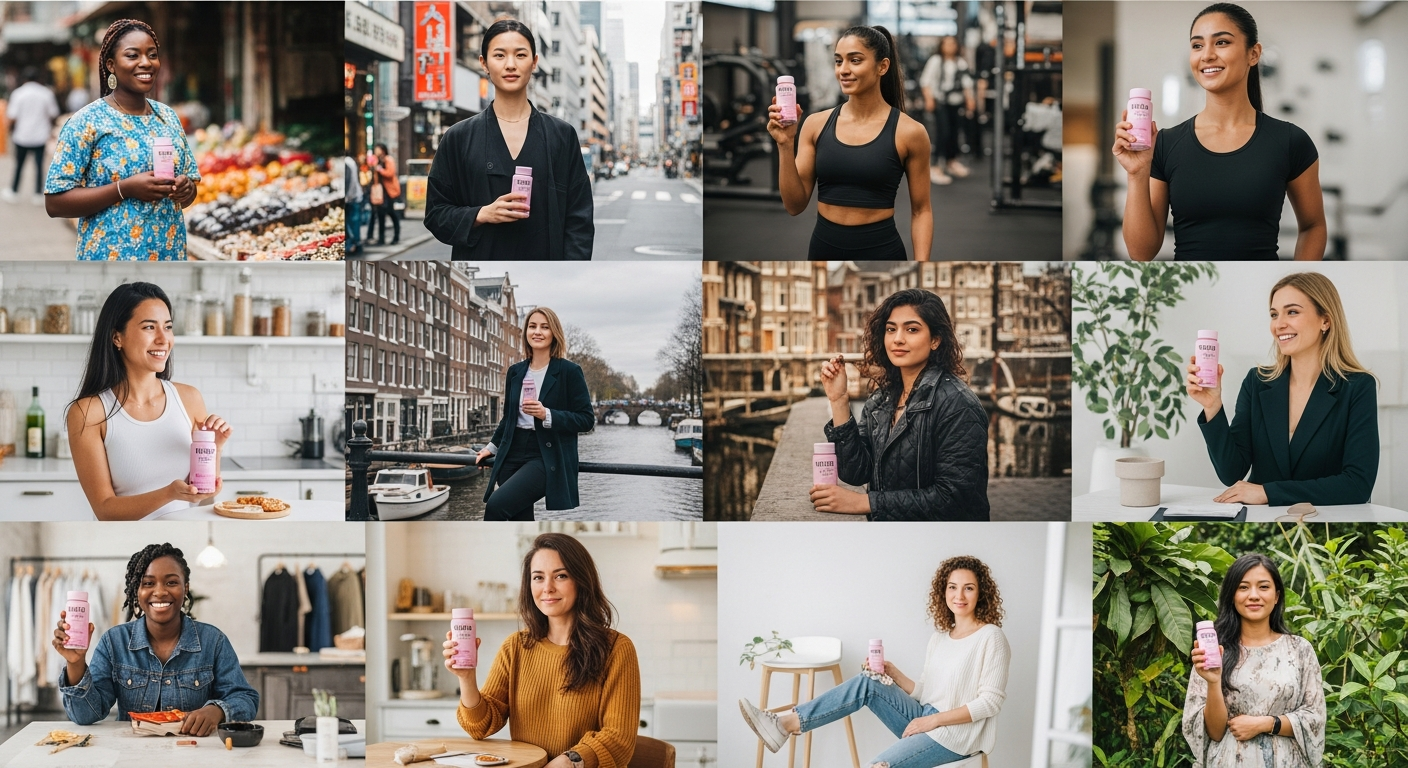
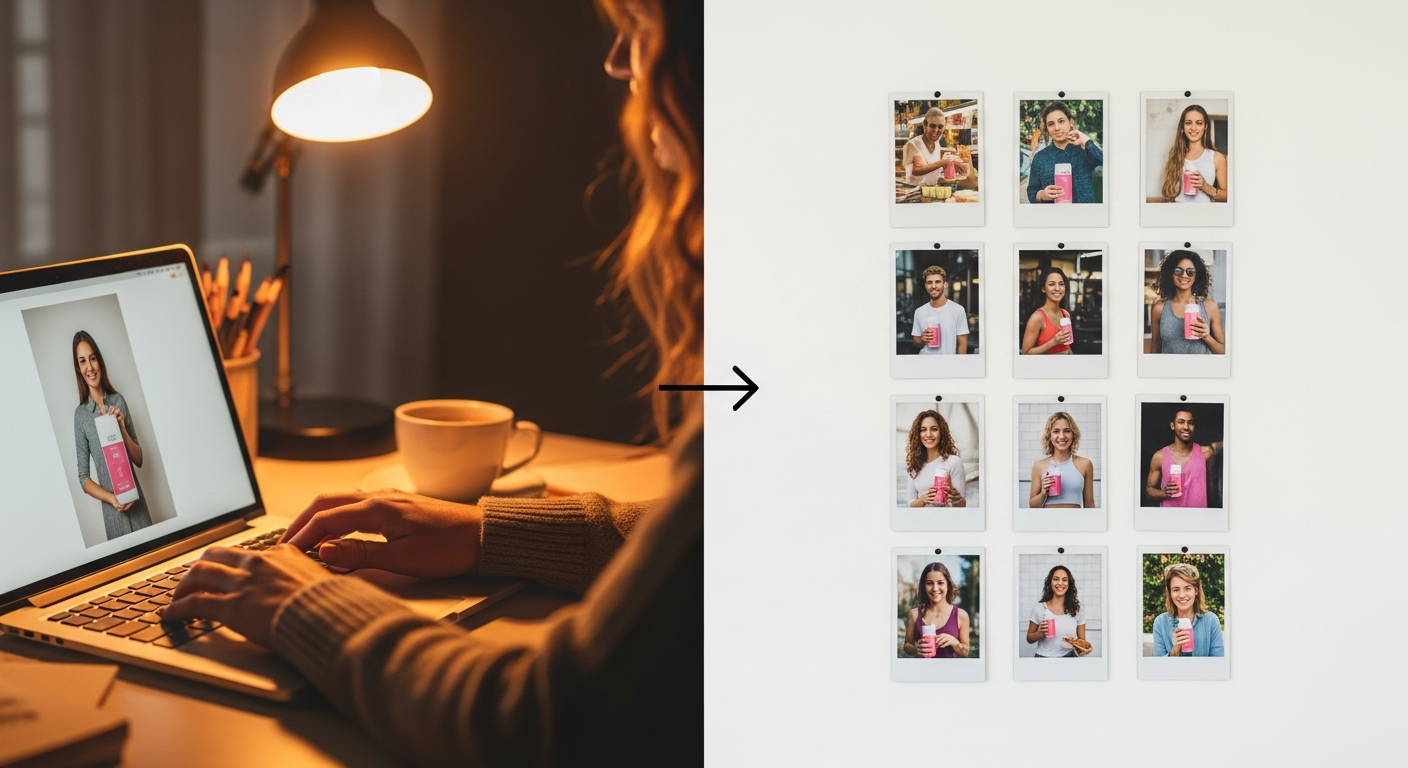
The idea is simple. You upload one product photo. You choose how many images you want - 5, 10, 20, or 30. You pick your preferred styles, model types, and which ethnicities to include. Then you press generate and watch your content library fill up in real time.
Each image is completely unique. The system automatically rotates through different model looks, outdoor and indoor backgrounds, camera angles, poses, and lighting setups. No two images in a batch look the same.
You are not getting variations of one idea. You are getting 20 genuinely different content pieces, each one usable as a standalone post.

The 10% Batch Discount
Content creation at scale should not cost more per piece than creating one at a time. Every batch on Twiss automatically gets a 10% credit discount. So a batch of 20 images costs 18 credits, not 20. A batch of 30 costs 27.
The bigger your batch, the more you save. It is built in, no codes needed.
Choosing Your Ethnicities and Model Types
One of the things brands ask about most is representation. Not just having diverse images, but having control over which communities are featured and how.
The Batch Engine has a full ethnicity selector. You can pick from African, European, East Asian, South Asian, Latin, Middle Eastern, Mixed, and South East Asian. Select all of them for maximum variety across a large batch, or restrict to the communities most relevant to your brand.
You also choose the model type: Female, Male, Diverse Group, or Muslimah. Select multiple and the system rotates through them across your batch.
This matters because generic diversity is not the same as intentional diversity. The control is yours.
Captions Without Leaving the Page
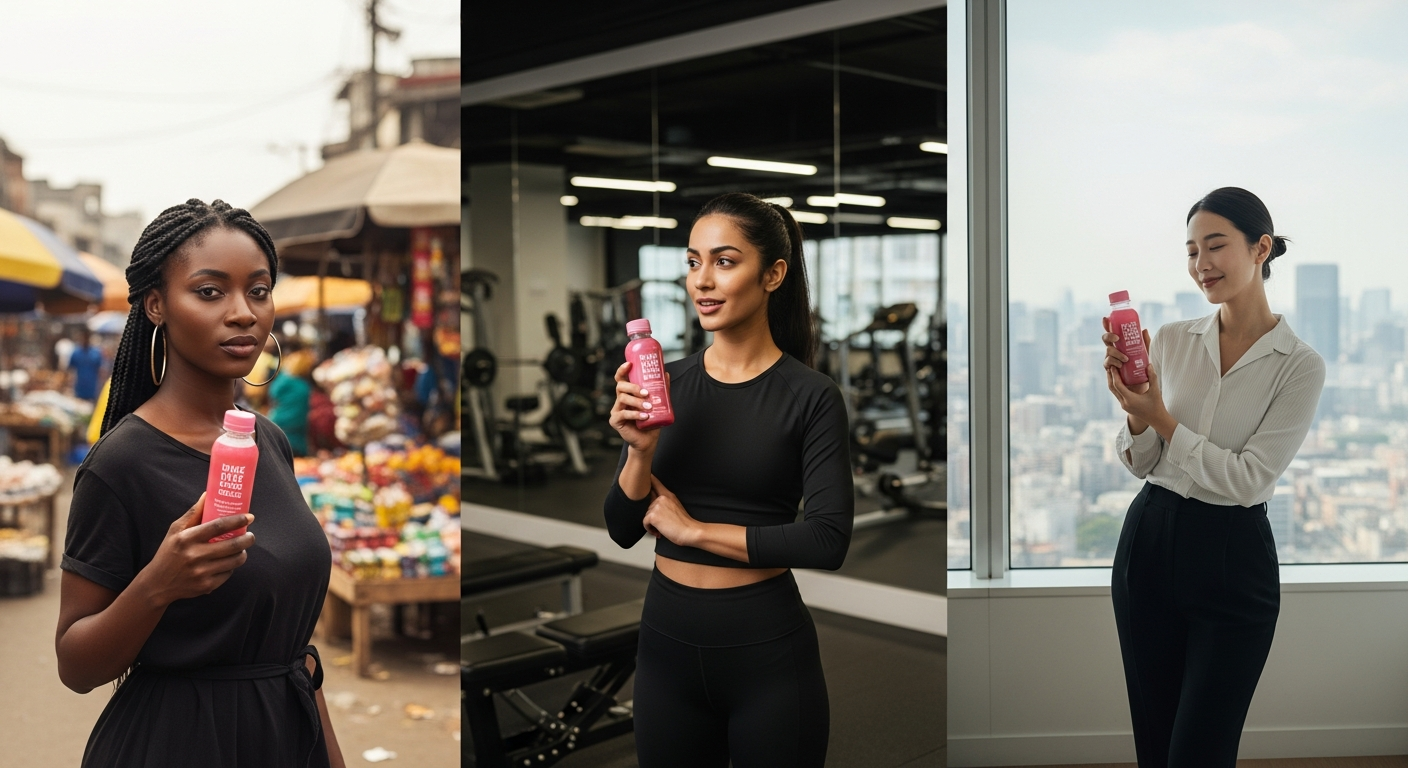
Once your images are ready, you can generate social captions for every single one without touching the gallery. Hit Generate Captions and watch each image get five ready-to-post options, each with a different tone: punchy, storytelling, informative, call-to-action, and trending.
Each caption has a one-tap copy button. Pick the one that fits your voice and you are done.
From Batch to Video or Catalog in Two Taps
After your batch completes, three options appear below your images.
Create a Catalog or Lookbook takes all your new images and opens Print Studio with them pre-loaded. You can lay out a product catalog, a lookbook, or a magazine spread without picking images manually.
Build a Promo Video sends the top five images straight to the Smart Video Builder, pre-selected and ready to sequence into a reel or ad.
The idea is that one batch gives you the raw material for your whole week. Images for posts, a catalog for your link in bio, a video for Stories. You do not need to go back and build each thing from scratch.
The Style Presets
Batch generation works across 12 style presets: Lifestyle, Testimonial, Try-On, Unboxing, Group Shot, Candid, Close-Up, Behind the Scenes, Gym Session, Kitchen Scene, Street Style, and Skincare Ritual.
Select multiple styles and the system rotates through them. A batch of 12 images across all 12 styles gives you one of each. A batch of 24 gives you two of each. The rotation is automatic.
Who This is For
The Batch Engine was built for brands that are past the stage of creating content one image at a time.
If you are an agency managing multiple clients, batching is how you produce enough content to run proper campaigns without tripling your production hours.
If you are a solo brand owner, batching on a Sunday afternoon means you do not have to think about content again for the rest of the month.
If you are launching a new product and need to populate your feeds quickly, a single 20-image batch gives you enough variety to start posting straight away.
How to Start
Go to Batch Content Engine from the sidebar. Upload your product photo, pick your styles and settings, choose your batch size, and hit generate. Your images stream in as they are created, so you do not wait until the end to see results.
When the batch is done, download what you need, generate captions, and head to Print Studio or Video Builder from the same page.
One product photo. An afternoon. A full month of content.